How do I use the filter parameter to retrieve specific objects?
Last updated: May 1, 2025
Rutter's REST API supports filtering on many list endpoints to help you retrieve only the objects that match certain criteria. The filter parameter allows you to narrow down the results returned by a list endpoint, based on specific field values or conditions. For more information, please reference Rutter's full guide on Filtering Objects with it linked.
Supported Syntax and Fields
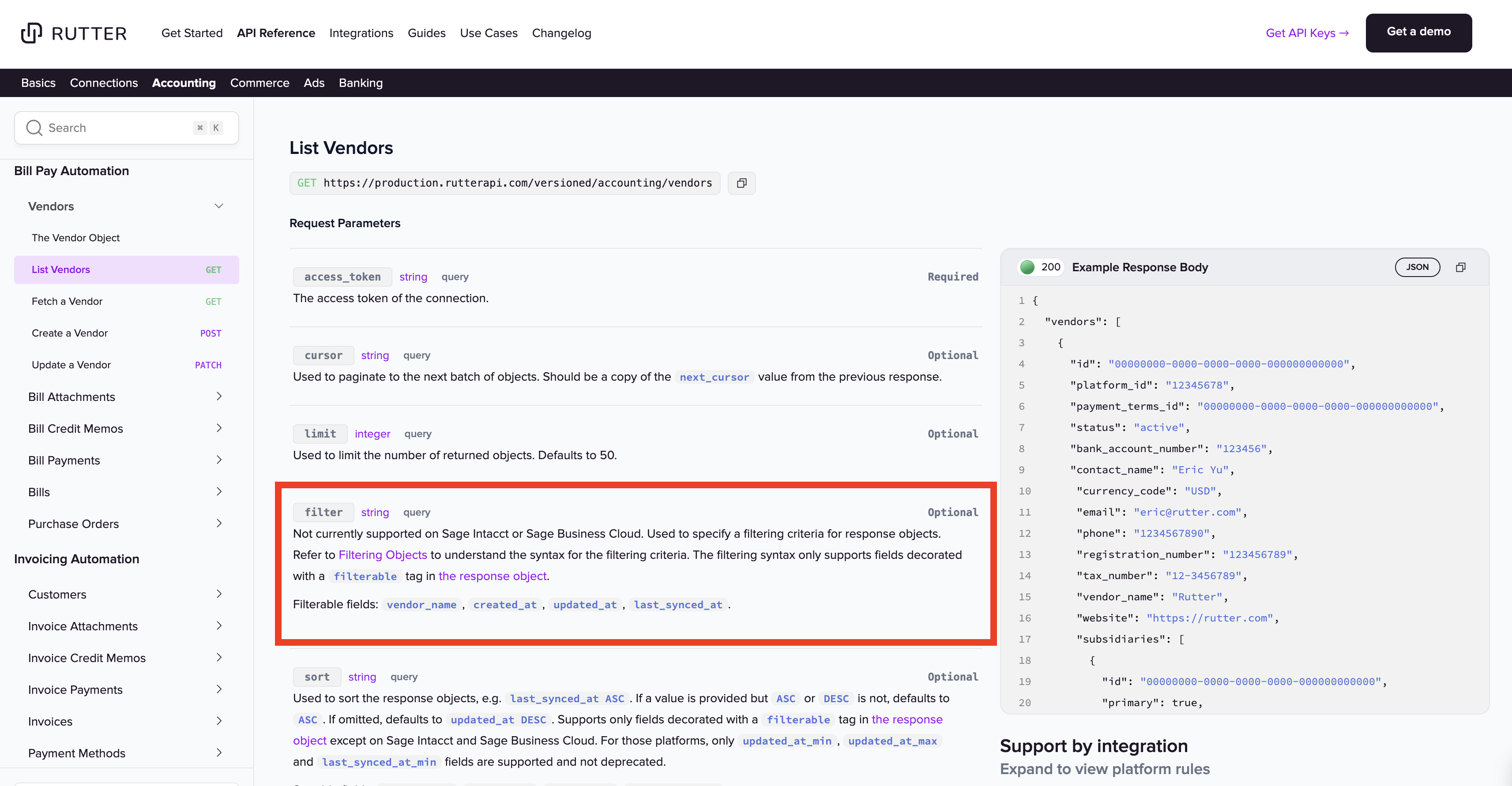
Filtering is only available for fields that are explicitly marked as filterable in the API reference. For example, on the GET /vendors endpoint, you can filter using:
vendor_namecreated_atupdated_atlast_synced_at
Example Usage
Filter by exact vendor name
GET /vendors?filter=vendor_name="Acme Inc"
Filter by created date (after March 1, 2024)
GET /vendors?filter=created_at>"2024-03-01T00:00:00Z"
Filter using multiple conditions
GET /vendors?filter=created_at>"2024-01-01T00:00:00Z" AND vendor_name~"Acme"
In the above example:
>compares timestamps.~performs a partial match on strings (similar to a "contains").
Additional Considerations
Filters must be written as a string passed to the
filterquery parameter.String values must be enclosed in double quotes.
The syntax is case-sensitive.
Only fields marked as filterable for a given endpoint can be used — using unsupported fields will return a 400 error.
If a platform does not support filtering (e.g. Sage Intacct), the filter parameter will be ignored.